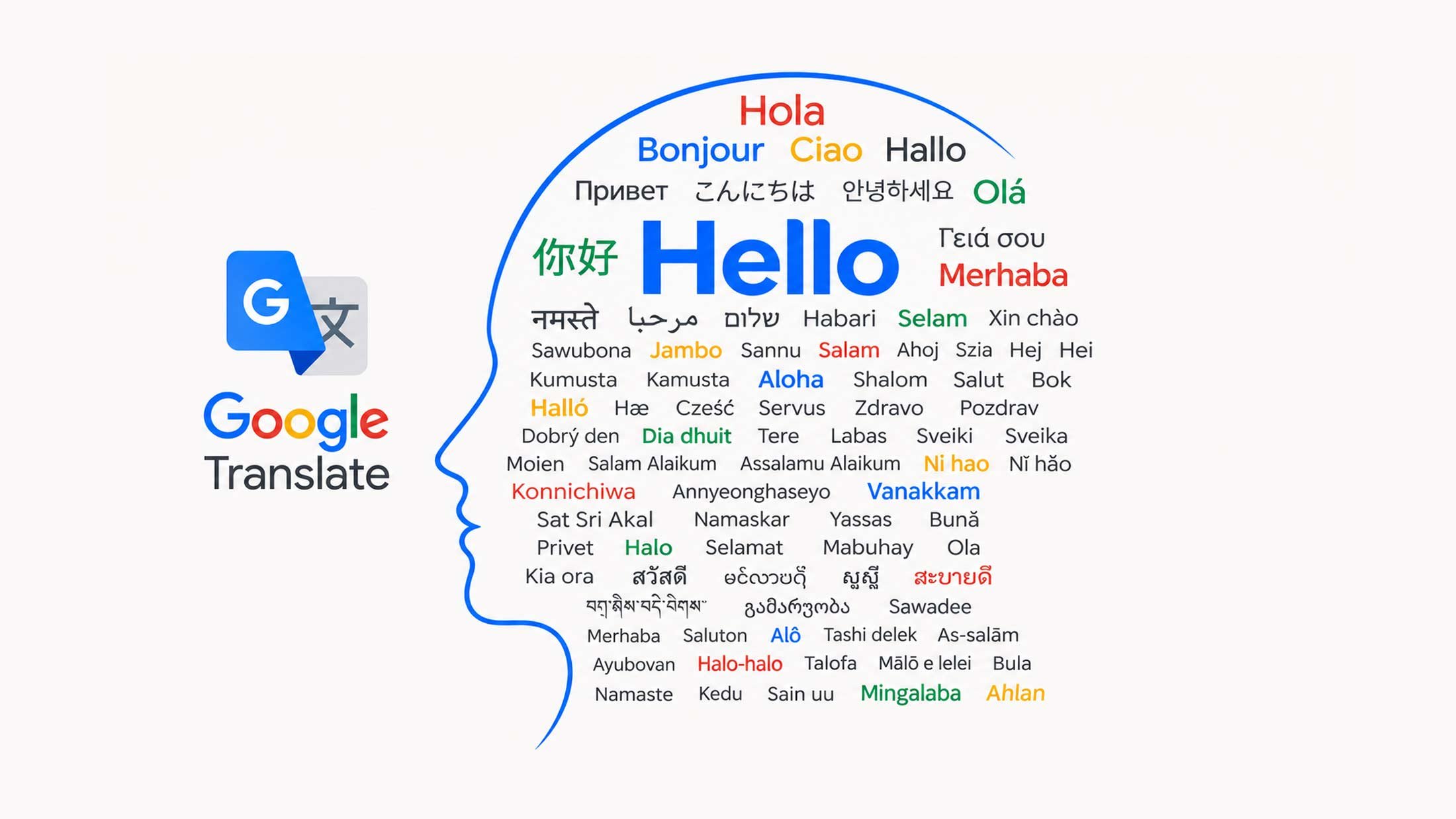
Google announced on October 22 that speech translation in Google Meet now supports 63 languages, a substantial upgrade from the earlier version, which only worked between English and five other languages: Spanish, French, German, Portuguese, and Italian.
The previous system required an organizer to lock the entire meeting into a single language pair. Under the new setup, each participant chooses their own listening language through a toolbar control. Meet detects what language someone is speaking, including mid-sentence switches, and translates it into the listener's preference in near real-time. The translated audio arrives a few seconds behind the original speech, with synchronized captions available for anyone who wants both.
What Changed Underneath
The expanded feature runs on Gemini 3.5 Live Translate, a speech-to-speech model Google first announced at I/O in June 2026. According to the company's documentation, the model can detect over 70 languages and generates continuous translated speech rather than waiting for a speaker to pause. Google says it preserves intonation, pacing, and pitch.
Participants can also mark languages they already understand so Meet leaves those untranslated. Someone fluent in Spanish and English, for instance, would only receive translation for the third or fourth language spoken in a call.
All AI-generated audio carries a SynthID watermark, an imperceptible marker Google DeepMind developed to identify machine-generated content. Google's announcement noted the watermark is "woven directly into the audio output."
Who Gets Access
The feature is gated by plan. Eligible subscriptions include Workspace Business Standard and Business Plus, Enterprise Standard and Enterprise Plus, Frontline Plus, and the consumer Google AI Pro and Ultra tiers. Organizations can also unlock it with AI Expanded Access or AI Ultra Access add-ons.
Meeting length is capped by subscription. Base Workspace plans and Google AI Pro allow up to 90 minutes of translation per meeting. AI Ultra, AI Expanded Access, and AI Ultra Access raise the limit to eight hours.
Free personal Gmail accounts get neither speech translation nor translated captions. Guests attending a meeting can use the feature if the host holds an eligible plan.
What Stays Off
Google listed several scenarios where speech translation does not work: live streams, meeting recordings, client-side encrypted meetings, telephone dial-in connections, third-party interoperability calls, and meetings using adaptive audio. Conference-room Meet hardware can receive translated audio from remote participants but cannot translate speech from the room itself.
"Speech translation is not available in meeting recordings," the Workspace Updates post states, which means companies hoping to archive translated content will need to look elsewhere.
Competitive Context
The big three video platforms have all shipped real-time translation features in the past year, but coverage varies. Microsoft Teams Interpreter, which requires a Copilot license, supports nine languages as of mid-2026. Zoom's Voice Translator launched in July with five languages. Meet's 63-language support gives Google the widest reach for now.
Whether that reach matters depends on which languages a given team actually needs. Google has not published the full list of 63 languages, though secondary reporting indicates it includes Chinese, Cantonese, Japanese, Korean, Thai, Vietnamese, Indonesian, Malay, Filipino, Swahili, Amharic, Afrikaans, Arabic, and Turkish. The company has not disclosed accuracy data for any of these.
Analyst coverage of real-time translation tools in 2026 has converged on a consistent message: the technology works well enough for internal standups and routine collaboration, but high-stakes settings still warrant human interpreters. That remains true here. Google is offering a broader palette, not a replacement for professional interpretation.
The rollout is underway now for eligible accounts, with Google noting it may take up to 15 days for the feature to appear on some mobile devices. Admins can enable or disable it at the organizational-unit level through the Workspace Admin console under Gemini settings.